
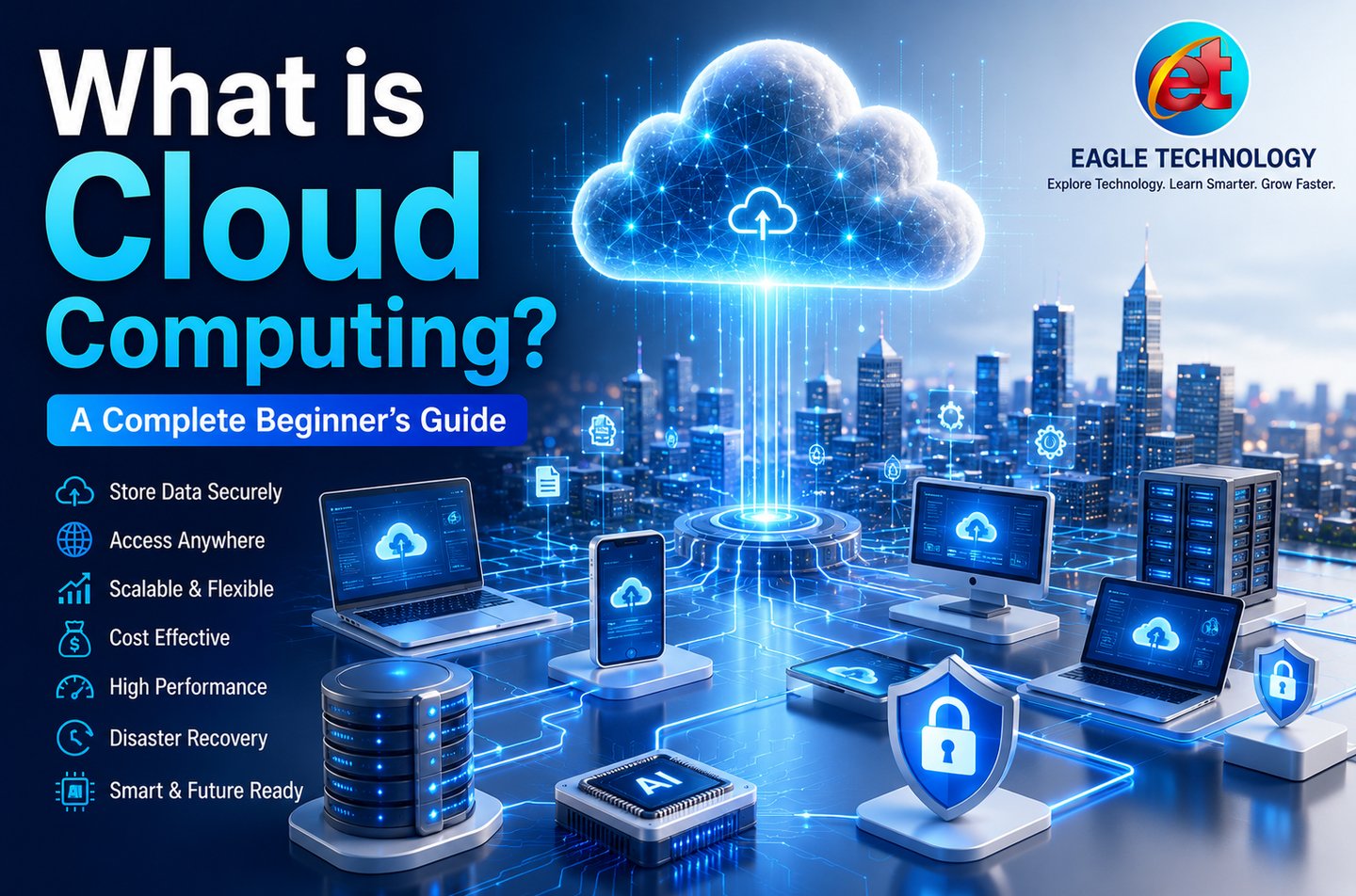
What is Cloud Computing? – A Complete Beginner's Guide
Learn what Cloud Computing is, how it works, its types, advantages, disadvantages, real-world applications, security basics, and how to get started with cloud services in this complete beginner-friendly guide by Eagle Technology.
💻 TECHNOLOGY
Eagle Technology
7/12/20263 min read
What is Cloud Computing? – A Complete Beginner's Guide (2026)
By: Eagle Technology
Published Date: 12.07.2026
Reading Time: 8 Minutes
Category: Technology
Tutorial Level: Beginner
Professional Introduction
Cloud Computing has become one of the most important technologies in today's digital world. Whether you are using online storage, streaming videos, hosting a website, running business software, or building AI applications, cloud computing is working behind the scenes.
Instead of depending on a single computer, cloud computing allows users to access computing resources over the internet whenever they need them. This technology reduces costs, improves flexibility, and enables businesses and individuals to work from anywhere.
In this beginner-friendly guide, you'll learn what cloud computing is, how it works, its types, advantages, disadvantages, common applications, security best practices, and how to start using cloud services.
What is Cloud Computing?
Cloud Computing is the delivery of computing services—including servers, storage, databases, networking, software, analytics, and artificial intelligence—over the internet instead of using local hardware.
Rather than buying and maintaining expensive servers, users can rent computing resources from cloud providers and pay only for the services they use.
How Does Cloud Computing Work?
Cloud providers operate powerful data centers that store and process information. Your files, applications, and data are securely maintained on these remote servers.
Whenever you connect to the internet, you can access your cloud resources using a computer, smartphone, tablet, or other supported device from almost anywhere.
Types of Cloud Computing
Public Cloud
Resources are shared among multiple customers and managed by providers such as Amazon Web Services (AWS), Microsoft Azure, and Google Cloud.
Private Cloud
A dedicated cloud environment built for a single organization, offering greater control and enhanced security.
Hybrid Cloud
A combination of public and private cloud environments that provides flexibility for different workloads.
Cloud Service Models
Infrastructure as a Service (IaaS)
Provides virtual servers, storage, and networking infrastructure.
Platform as a Service (PaaS)
Offers development platforms for building and deploying applications.
Software as a Service (SaaS)
Allows users to access software applications directly through a web browser.
Advantages of Cloud Computing
Access files and applications from anywhere.
Lower hardware and maintenance costs.
Automatic software updates.
Easy scalability for growing businesses.
Reliable backup and disaster recovery.
Improved collaboration among teams.
High availability and performance.
Pay-as-you-go pricing model.
Disadvantages of Cloud Computing
Requires a stable internet connection.
Possible downtime during provider outages.
Privacy concerns if security practices are ignored.
Monthly subscription costs can increase with heavy usage.
Vendor lock-in may make migration difficult.
Applications and Common Uses
Cloud Storage
Website Hosting
Email Services
Video Conferencing
Online Education Platforms
Artificial Intelligence Solutions
Software Development
Business Collaboration
Data Backup
Disaster Recovery
Security Tips for Cloud Computing
Create strong and unique passwords.
Enable Two-Factor Authentication (2FA).
Encrypt sensitive files before uploading.
Keep your devices updated.
Avoid using public Wi-Fi for confidential work.
Review sharing permissions regularly.
Choose trusted cloud providers.
Backup important data periodically.
Cloud Computing Comparison Table
FeatureTraditional ComputingCloud ComputingAccessSingle DeviceAnywhere via InternetStorageLocal Hard DriveOnline Data CentersMaintenanceUser ManagedProvider ManagedScalabilityLimitedHighly ScalableBackupManualAutomaticCostHigh Initial CostPay Only for Usage
Step-by-Step Tutorial: How to Start Using Cloud Computing
Select a trusted cloud provider such as Google Drive, Microsoft OneDrive, Dropbox, or iCloud.
Create your account using your email address.
Verify your account and enable Two-Factor Authentication.
Sign in to your cloud dashboard.
Create folders to organize your files.
Upload documents, photos, and videos.
Install the mobile or desktop application if needed.
Access your files from multiple devices.
Share files securely using permission settings.
Monitor storage usage and keep regular backups.
Pro Tip
Always encrypt confidential business documents before uploading them to cloud storage. This provides an extra layer of protection even if unauthorized access occurs.
Frequently Asked Questions (FAQs)
Is Cloud Computing free?
Many cloud providers offer free plans with limited storage. Premium plans provide more storage and advanced features.
Do I need the internet?
Yes. Most cloud services require an internet connection for synchronization and online access.
Is Cloud Computing secure?
Yes. Reputable providers use advanced security technologies, but users should also follow good security practices.
Who uses Cloud Computing?
Individuals, students, businesses, developers, healthcare organizations, educational institutions, and governments all use cloud computing.
Can small businesses benefit from Cloud Computing?
Absolutely. Cloud services reduce costs, improve collaboration, simplify backups, and support business growth.
Conclusion
Cloud Computing has transformed the way people and businesses store information, develop applications, and access digital services. Its flexibility, scalability, and cost-effectiveness make it an essential technology in today's connected world.
Whether you are a student, professional, entrepreneur, or technology enthusiast, understanding cloud computing is an important step toward building future-ready digital skills.
Related Articles
What is Artificial Intelligence (AI)?
What is Wi-Fi?
What is Cyber Security?
What is Cloud Storage?
What is Google Drive?
About Eagle Technology
Eagle Technology is dedicated to making technology easy to understand for everyone. We publish practical guides, tutorials, and educational articles covering Artificial Intelligence, Software, Websites, Cloud Computing, Cyber Security, Digital Tools, and emerging technologies to help readers build valuable digital skills.
Eagle Technology
Learn Technology in the Simplest Way.
Software | AI | Websites | Digital World | Smart Living
Eagle Technology
Boost up your Business...
Contact
+91-9661522005
© 2025. All rights reserved.